
If you are a marketer or manage visual content such as product listings, ad creatives, presentations, or social posts, you know how quickly these tasks can accumulate, especially without design expertise or support. I am going to use ChatGPT for this tutorial, and that is the best AI image generator for marketing visuals.
The Five Principles of Prompting
Before generating anything, it helps to think through five things:
- Main subject
- Position or action of the subject
- Placement or location
- Extra surrounding elements
- Background and color tone
When generating visuals, always analyze your competitors: what types of visuals do they produce? You can write prompts using LLM models, especially ChatGPT, Gemini, and Claude, but make sure to follow the 5 principles of prompting to get better results.
Consistently applying these principles will help you generate more accurate and relevant responses. The better your prompts, the better the results.
Creating Different Types of Visuals
Account Creation
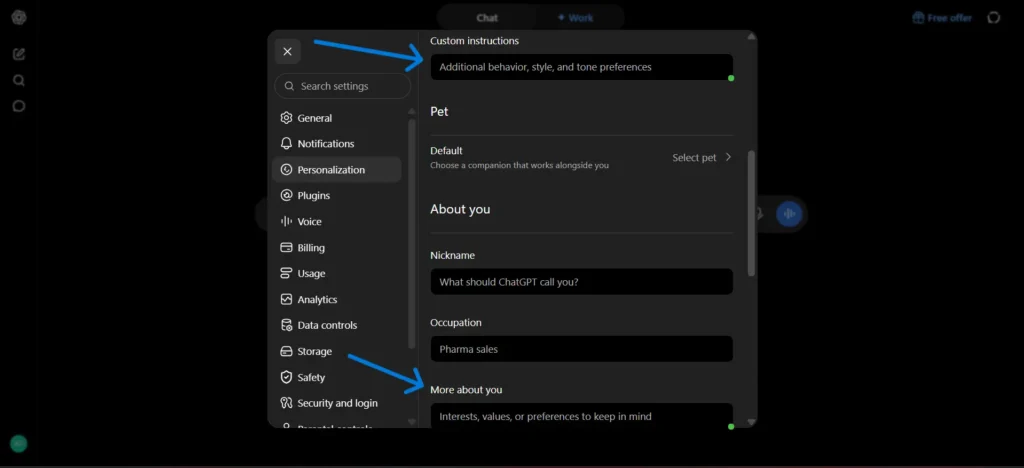
First of all, sign up and see the dashboard. Go to Settings, and then put custom instructions for who you are, what you do, and what you want to do from ChatGPT, and ChatGPT should not respond with a robotic tone, giving fluff-type content, and other things. Once you are done, then start writing a prompt. Do not put sensitive and private information.
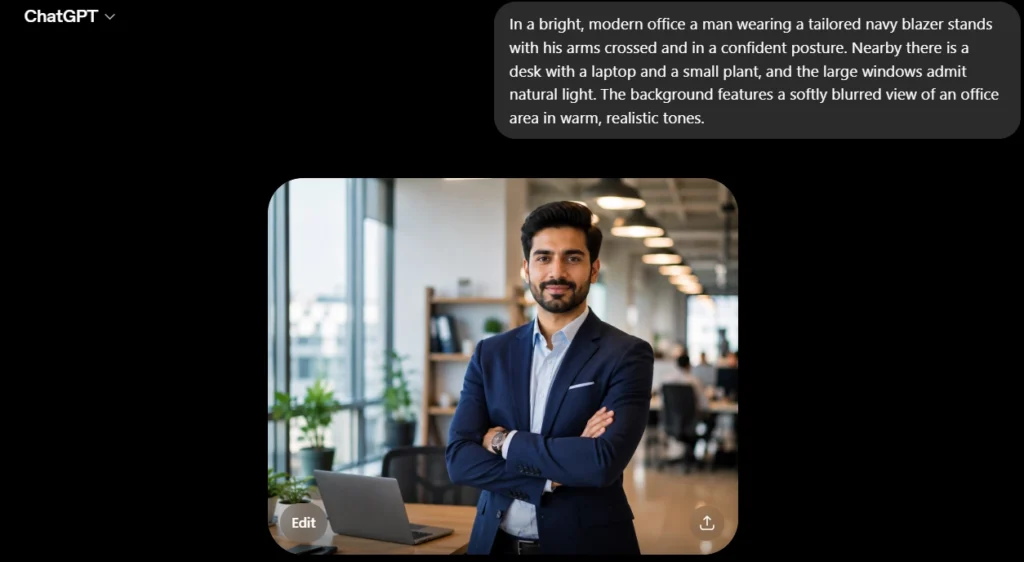
Building a Character Visual
In a bright, modern office, a man wearing a tailored navy blazer stands with his arms crossed and in a confident posture. Nearby there is a desk with a laptop and a small plant, and the large windows admit natural light. The background features a softly blurred view of an office area in warm, realistic tones.
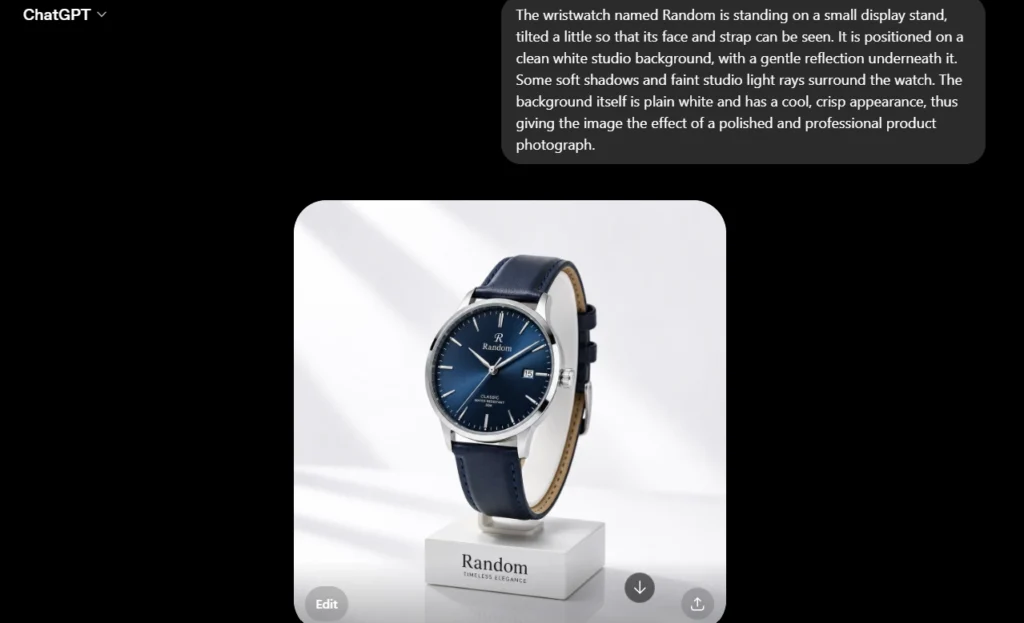
Designing a Product Visual
The wristwatch named Random is standing on a small display stand, tilted slightly so its face and strap can be seen. It is positioned on a clean white studio background, with a gentle reflection underneath it. Some soft shadows and faint studio light rays surround the watch. The background is plain white and has a cool, crisp appearance, giving the image the effect of a polished, professional product photograph.
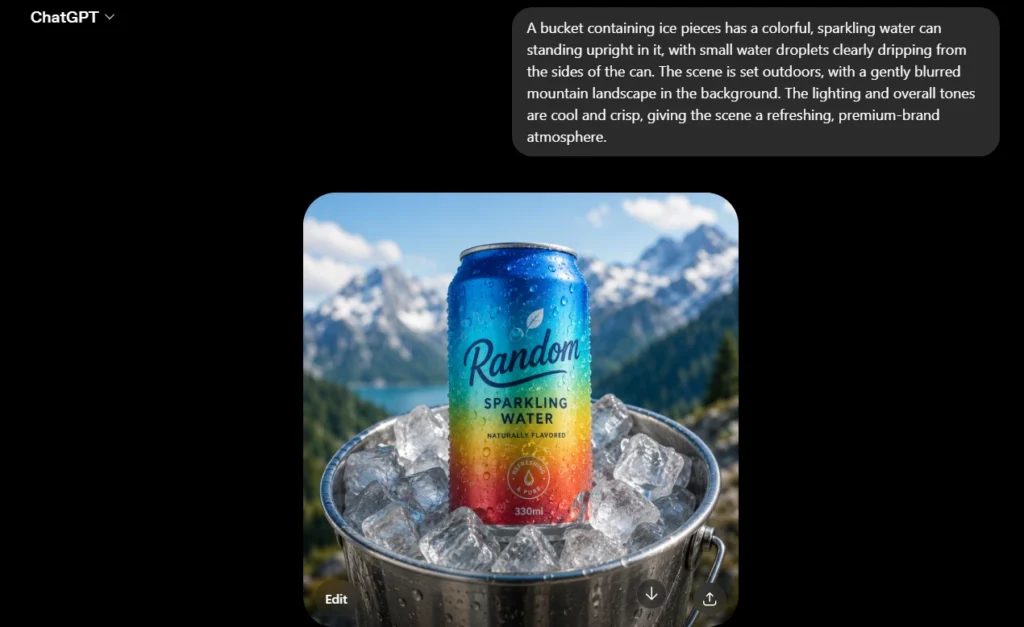
Creating a Brand Visual
When putting together brand visuals, you should identify the principal subject or scene associated with your brand, its position, placement, the supporting elements, and a background that matches your brand’s color palette.
A bucket containing ice pieces has a colorful, sparkling water can standing upright in it, with small water droplets clearly dripping from the sides of the can. The scene is set outdoors, with a gently blurred mountain landscape in the background. The lighting and overall tones are cool and crisp, giving the scene a refreshing, premium-brand atmosphere.
Making a Corporate Visual
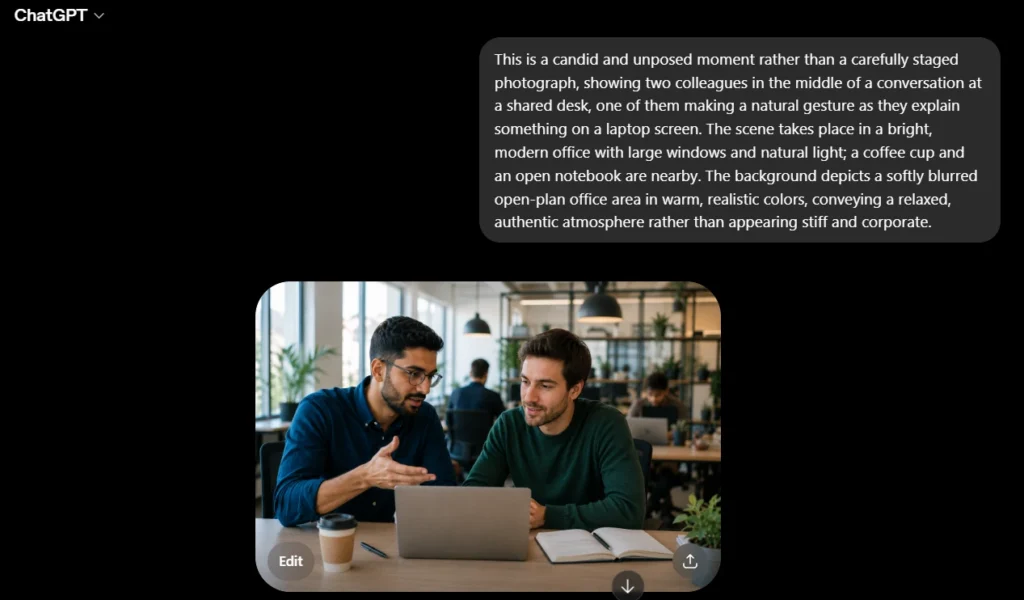
When creating corporate visuals, describe the main subject professionally, indicate its position, detail the setting, add relevant supporting information, and specify a business-appropriate background tone.
This is a candid and unposed moment rather than a carefully staged photograph, showing two colleagues in the middle of a conversation at a shared desk, one of them making a natural gesture as they explain something on a laptop screen. The scene takes place in a bright, modern office with large windows and natural light; a coffee cup and an open notebook are nearby. The background depicts a softly blurred open-plan office area in warm, realistic colors, conveying a relaxed, authentic atmosphere rather than appearing stiff and corporate.
Creating an Art
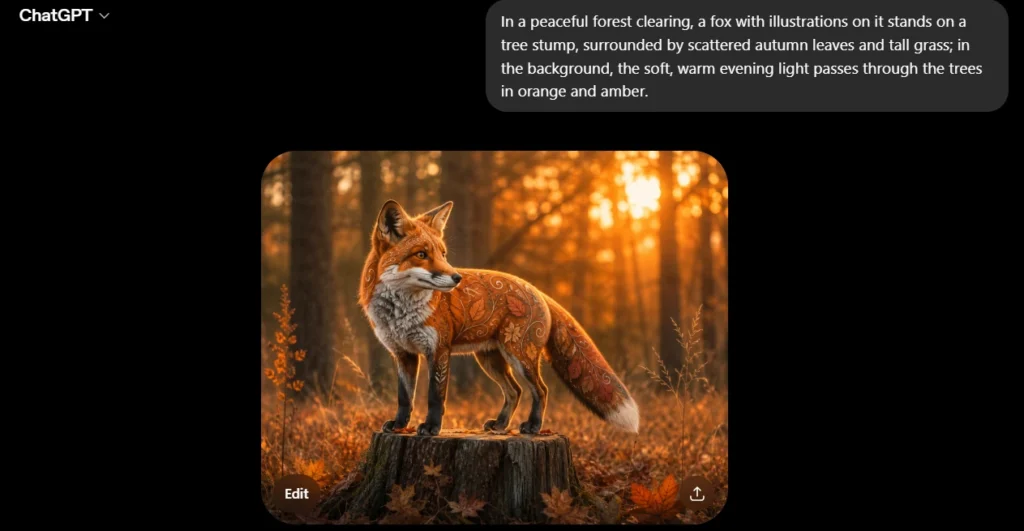
In a peaceful forest clearing, a fox with illustrations on it stands on a tree stump, surrounded by scattered autumn leaves and tall grass; in the background, the soft, warm evening light passes through the trees in orange and amber.
Using Reference Images for Better Consistency
Why It Matters
Reference images help maintain consistency for a product, character, or visual element across various content, even as scenes or contexts change. This ensures the main subject remains recognizable, which is essential when producing coordinated visuals.
Over time, this consistency saves time and effort. After establishing a product or character, you can reuse it across various visuals without recreating it each time. This streamlines the production of content that always feels unified and on-brand.
You’re Good to Go
You do not need a design background or a dedicated designer to create professional, on-brand visuals. By following a clear five-point framework, using structured prompts, and referencing images for consistency, you can independently produce product photos, brand visuals, and corporate imagery. If you are unsure where to start, ChatGPT is a reliable all-in-one solution. It offers the consistency and quality needed to produce visuals regularly without external design support.
Try ChatGPT for Free →
Digital Marketer, SEO Enthusiast
Authored by Abu Talha, who founded Sembron.com and enjoys diving into the world of SEO, software, and AI technologies.